




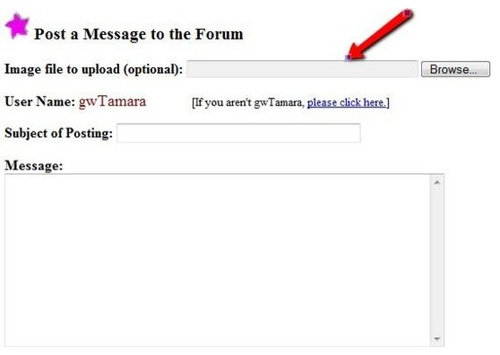
Photo Uploads
gwtamara
11 years ago
Comment
Related Stories
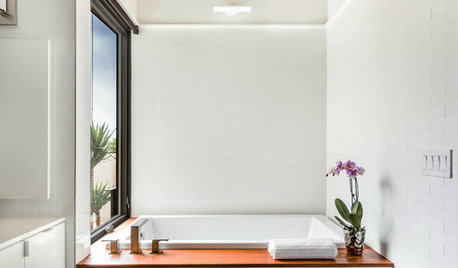
BATHROOM DESIGNUpload of the Day: Worry-Free Wood for the Bathroom
We love this breezy white and wood bathroom from the latest photo uploads. Here’s why it works
Full Story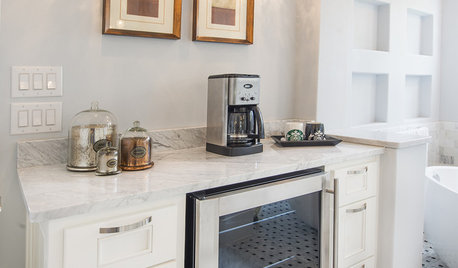
BATHROOM DESIGNUpload of the Day: A Mini Fridge in the Master Bathroom? Yes, Please!
Talk about convenience. Better yet, get it yourself after being inspired by this Texas bath
Full Story
FUN HOUZZUpload of the Day: Last One Down the Indoor Slide Is a Rotten Egg!
Carpet cushions the ride for safety, but this slide in an Edmonton home still makes hearts race
Full Story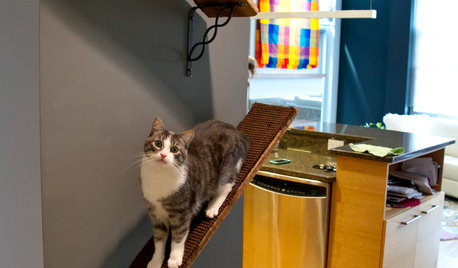
PETSUpload of the Day: Catwalks Keep Pets Happy in a Candy-Colored Condo
Shelves and wall-mounted boxes keep 2 cats active and entertained while their guardian is at work making jelly beans
Full Story
MOST POPULARThe 25 Most Popular Photos Added to Houzz in 2013
See the newly uploaded images of kitchens, bathrooms, bedrooms and more that Houzz users really fell for this year
Full Story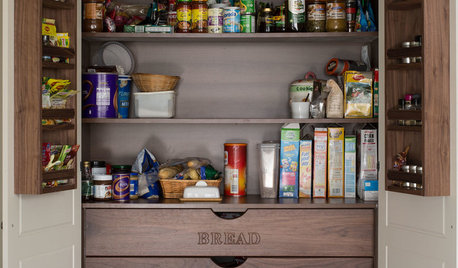
MOST POPULARThe Most Popular Kitchen Storage Ideas of 2014
Of all the kitchen storage photos uploaded to Houzz this year, these 14 were tops. Which will you save to your kitchen ideabook?
Full Story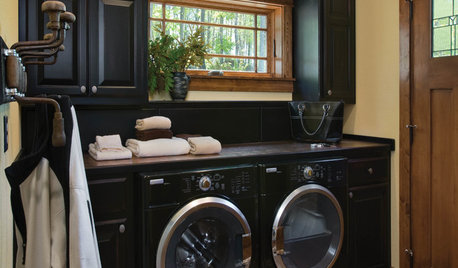
LAUNDRY ROOMSTop 10 Trending Laundry Room Ideas on Houzz
Of all the laundry room photos uploaded to Houzz so far in 2016, these are the most popular. See why
Full Story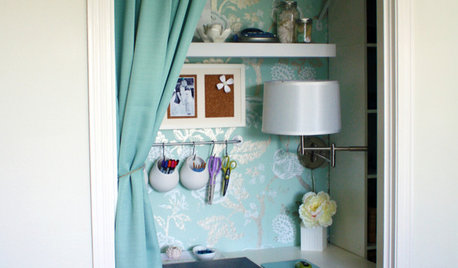
MORE ROOMSReaders' Choice: The Top 20 Home Offices of 2011
Small was big in 2011: Get inspired by the most popular office photos uploaded to Houzz this year
Full Story
KIDS’ SPACESPhotos of 2013: The Most Popular Kids’ Spaces
Built-in bunk beds, cool colors and other smart design elements offer ideas for kids’ bedrooms, nurseries and playrooms everywhere
Full Story
ECLECTIC STYLEPhotos of 2013: The Most Popular Eclectic Spaces
They follow the heart instead of rules and mix genres with ease. Check out all the personality in these top eclectic designs
Full Story
More Discussions

Related Discussions
Testing Photo Uploading
Q
Remove photo upload from Carrier Infinity Touch?
Q
Still having issues with photo uploads and pop-up message
Q
Photo upload problems
Q